

How to Check Data Balance on MTN in Seconds
In This Article
Quick overview
How to Check Data Balance on MTN in Seconds
How to Check Data Balance on MTN Knowing how to check data balance on MTN is essential for managing your data usage effectively. Whether you want to track your remaining internet data or avoid unexpected charges, this guide will show you the easiest methods to check your MTN data balance quickly and conveniently. How to […]

How to Check Data Balance on MTN
Knowing how to check data balance on MTN is essential for managing your data usage effectively. Whether you want to track your remaining internet data or avoid unexpected charges, this guide will show you the easiest methods to check your MTN data balance quickly and conveniently.
How to Check Data Balance via USSD
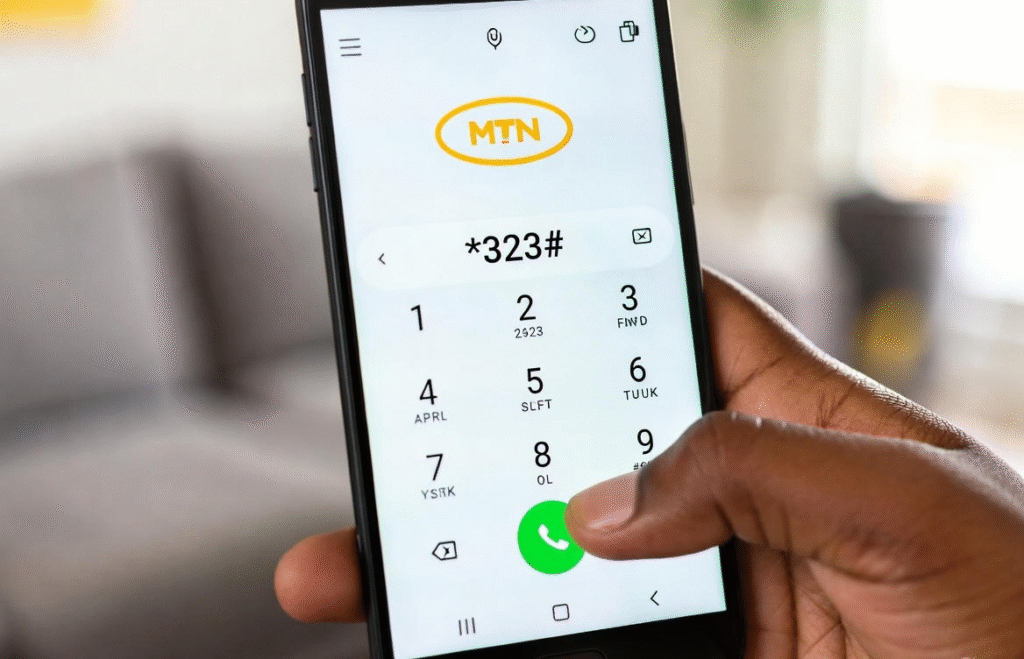
One of the quickest ways to know your MTN data balance is by using the USSD code method. This doesn’t require the internet or an app, just your MTN SIM and phone. It’s fast, easy, and works on all types of mobile phones.
How to Check Data Balance via USSD: Step-by-Step
Quickly check your MTN data balance by following these simple USSD steps, no internet or app needed.
- Open your phone’s dialer.
- Dial *323# and press the call/send button.
- From the menu, select “Check Data Balance”.
- Wait a few seconds, the screen will display your remaining MTN data.
How to Check Data Balance Through SMS
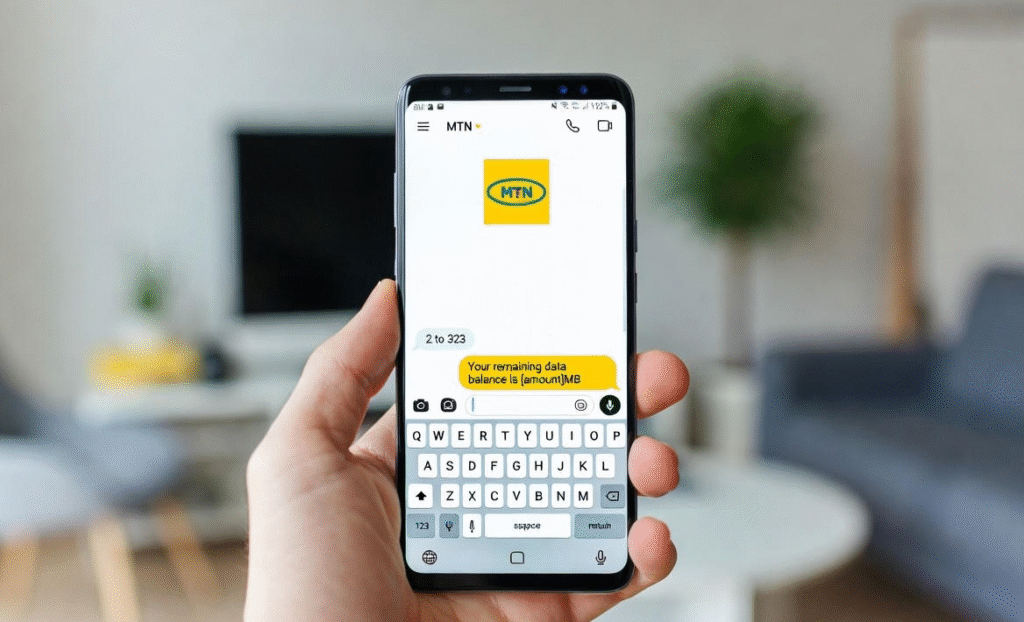
If you prefer not to use USSD or the MTN app, you can easily check your data balance by sending a simple SMS. This method works on all phones and is perfect for those who like text-based interactions.
How to Check Data Balance Through SMS: Step-by-Step
Follow these steps to quickly check your MTN data balance via SMS:
- Open your phone’s messaging app.
- Text ‘2’ to ‘323’ (MTN’s official data balance number).
- Wait for a reply, the message will show your remaining data balance.
How to Check Data Balance Using MyMTN App
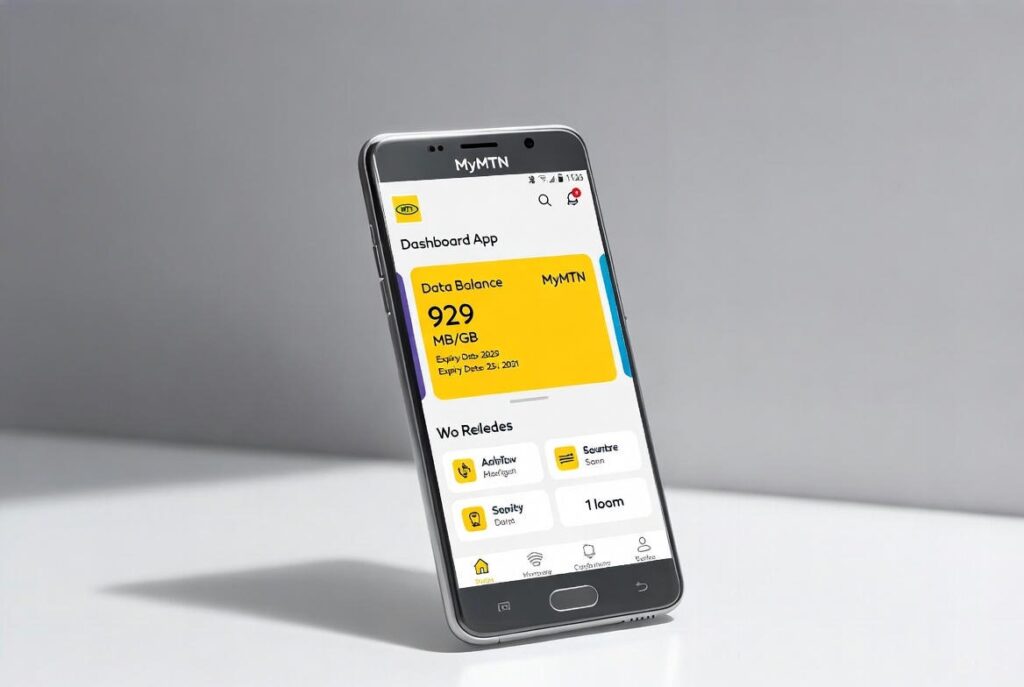
The MyMTN App provides a convenient and visual way to monitor your data usage in real time. With just a few taps, you can see your remaining data balance, active bundles, and expiry dates all in one place.
Step-by-Step Guide on How to Check Data Balance Using the MyMTN App
Follow these simple steps to check your MTN data balance through the official MyMTN App.
- Download and install the MyMTN App from the Google Play Store or Apple App Store.
- Open the app and sign in with your MTN phone number.
- Verify your number using the OTP sent to you (if prompted).
- Once logged in, your data balance will be displayed on the dashboard.
Why Is It Important to Check Data Balance on MTN
Knowing why it’s important to check your data balance on MTN helps you stay in control of your internet usage at all times. Regularly checking your MTN data balance allows you to avoid sudden data exhaustion, manage your subscriptions more efficiently, prevent unnecessary charges, and stay informed about your data expiry dates. This simple habit ensures a smoother and more cost-effective browsing experience.
Helps You Avoid Running Out of Data Unexpectedly
Regularly checking your MTN data balance ensures you don’t get cut off in the middle of browsing, streaming, or important online tasks.
Enables Better Data Management
Knowing your remaining data helps you plan usage wisely, reduce wastage, and stretch your MTN data bundle until its expiry date.
Prevents Unnecessary Charges
Monitoring your data balance helps you avoid out-of-bundle charges or automatic data deductions when your main plan runs out.
Keeps You Aware of Data Expiry Dates
Checking your MTN data balance regularly also keeps you informed about bundle expiry, helping you use your data before it expires.
Conclusion
Knowing how to check data balance on MTN helps you stay in full control of your internet usage. Whether you use USSD codes, SMS, or the MyMTN App, regularly checking your MTN data balance prevents unexpected depletion, avoids extra charges, and ensures you always plan your data usage wisely. Make it a habit, and you’ll enjoy a smoother, stress-free browsing experience.
FAQs
1. What is the MTN data balance code?
The official MTN USSD code to check data balance is *323#.
2. Can I check my MTN data balance without the internet?
Yes. You can check your data balance using USSD or SMS without an internet connection.
3. Is checking MTN data balance free?
Yes. MTN does not charge for checking your data balance via USSD, SMS, or the MyMTN App.
4. Which method is the fastest to check MTN data balance?
USSD (*323#) is the fastest method, while the MyMTN App provides more detailed usage insights.